

Type Hinting
Just like an NPM Package, Module Federation artifacts also generate types and enjoy hot-reloading of types, even though the artifacts are hosted on a remote CDN.
@module-federation/enhanced has type hinting enabled by default. This article will introduce several common usage scenarios and their specific configurations.
Usage Scenarios
Generating Types
When building with the build plugin provided by @module-federation/enhanced, type files are automatically generated.
Loading Types
- Consumer modifies
tsconfig.json
Add paths in tsconfig.json:
- Start the consumer and producer
info: You don't need to worry about the startup order of the producer and consumer.
After starting, the consumer will automatically fetch the producer's type files.
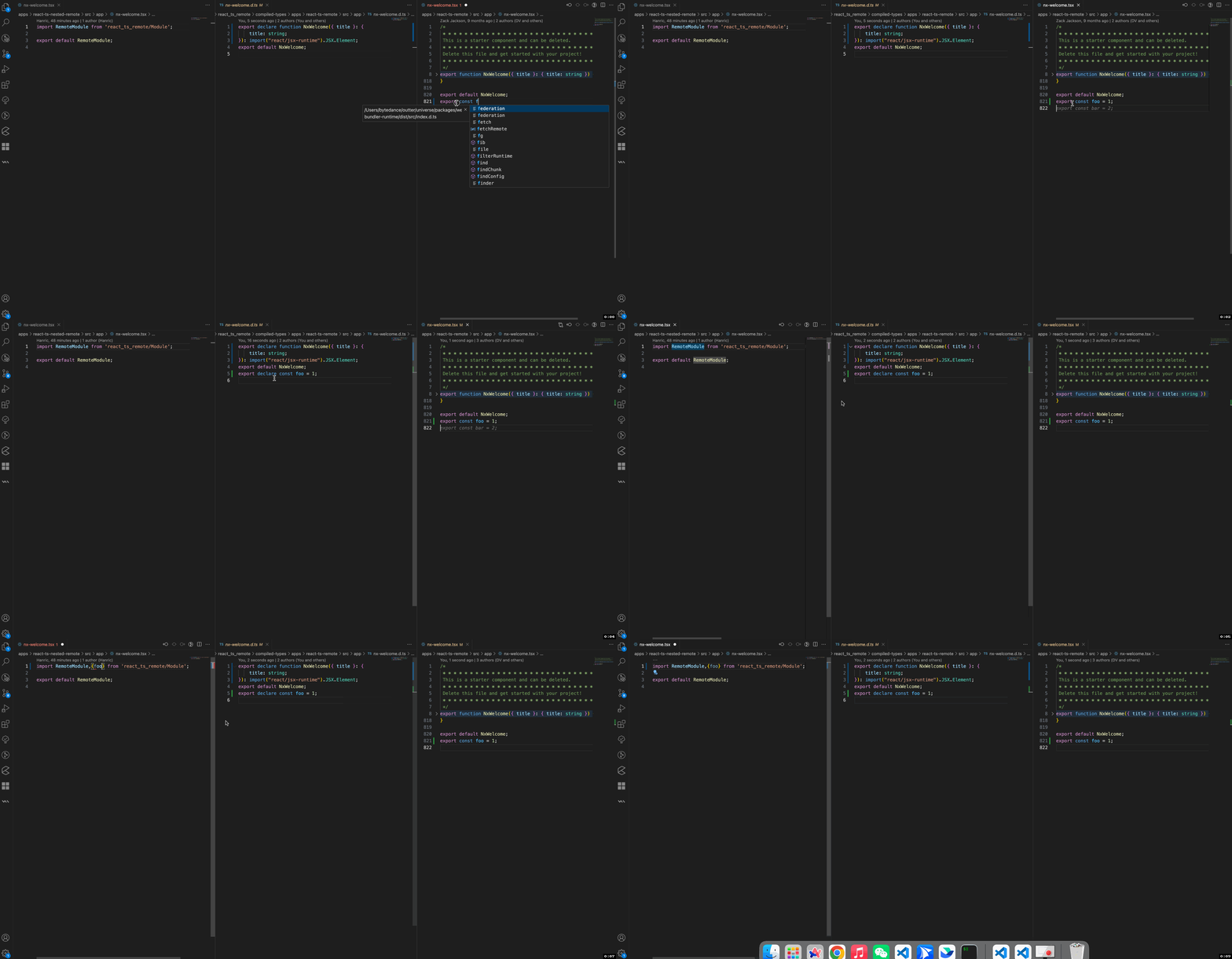
Type Hot Reloading
After modifying the producer's code, the consumer will automatically fetch the producer's types.
Runtime API Type Hinting
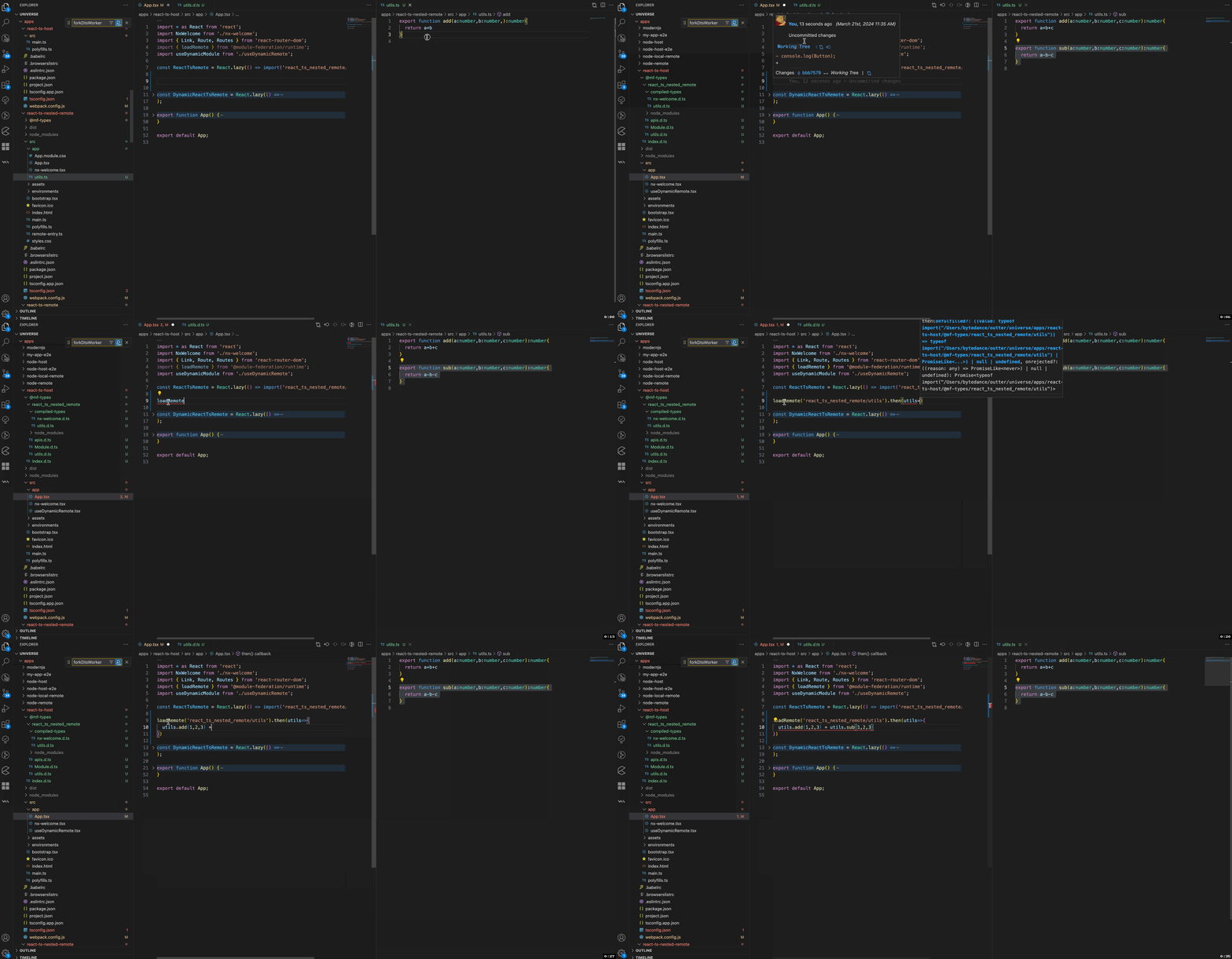
If the builder is webpack, you also need to add **/@mf-types/** to watchOptions.ignored to avoid circular compilation issues caused by type updates.
You need to add ./@mf-types/* to the include field to enjoy Runtime loadRemote type hinting and type hot reloading.
Third-Party Package Type Extraction
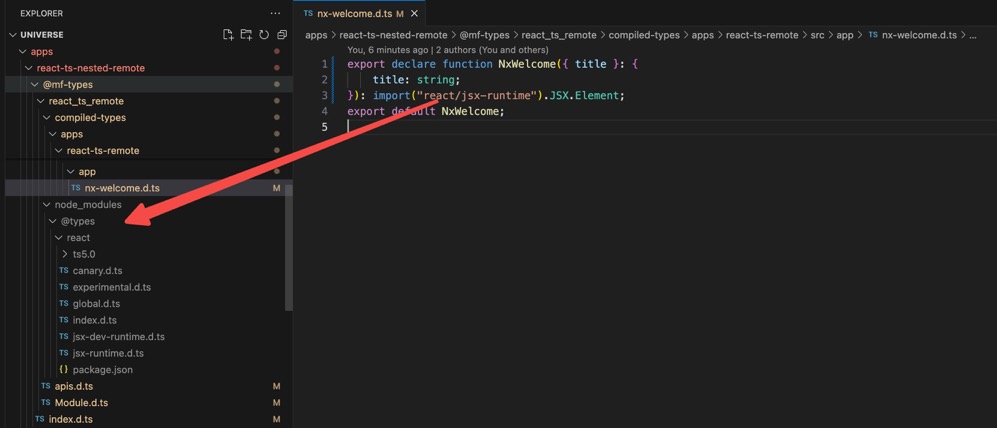
Module Federation automatically extracts third-party package types to ensure that exposes file types can be accessed normally.
Nested Type Re-export
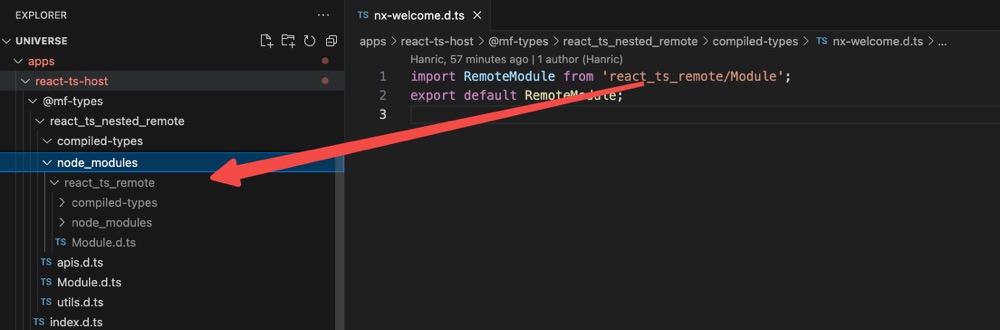
Module Federation supports nested remotes and will automatically extract the types of nested remotes.
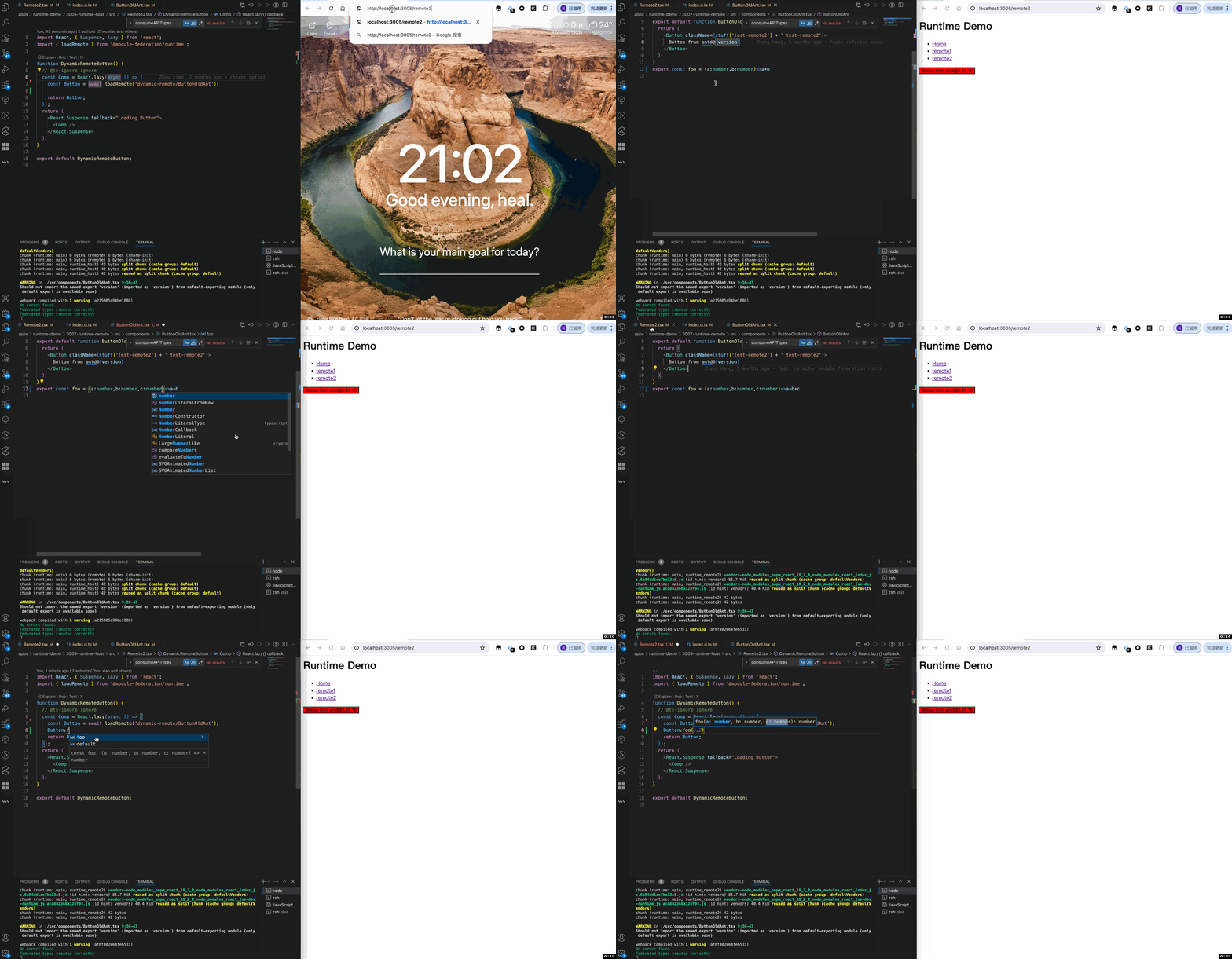
Dynamic Type Hinting
Module Federation supports loading dynamic types and also supports hot updates.
Configuration
FAQ
Project has circular compilation and cannot be terminated
A: It is likely that the compiler is watching for changes in the type folder or the dist directory. Add @mf-types to the ignored files.
For example, with webpack/rspack:
2. No type files are generated, how to find the reason?
Solution
- Add the
FEDERATION_DEBUG=trueenvironment variable before the project startup command. - Set dts.displayErrorInTerminal to
true. - Start the project and check the console output.
- (Optional) If there is no error in the console, check the
.mf/typesGenerate.loglog file.